Decluttering Time Calculator
How much time can you realistically spend decluttering?
This calculator helps you determine the perfect session length based on your current clutter level and available time.
Your Decluttering Plan
Recommended Session Length
minutes
Best Approach for You
Why this works
Based on research showing 10-minute sessions build habits more effectively than longer, infrequent efforts.
Pro Tip:
Let’s be honest-most of us have that one drawer, closet, or corner that feels like a black hole. Socks disappear. Bills get buried. And why is there a stack of unopened boxes from 2023 still in the hallway? If you’ve ever stared at chaos and thought, There has to be a better way, you’re not alone. The good news? There are apps designed specifically to help you organize your house-not just with lists, but with real, step-by-step systems that actually stick.
Why apps work better than paper lists
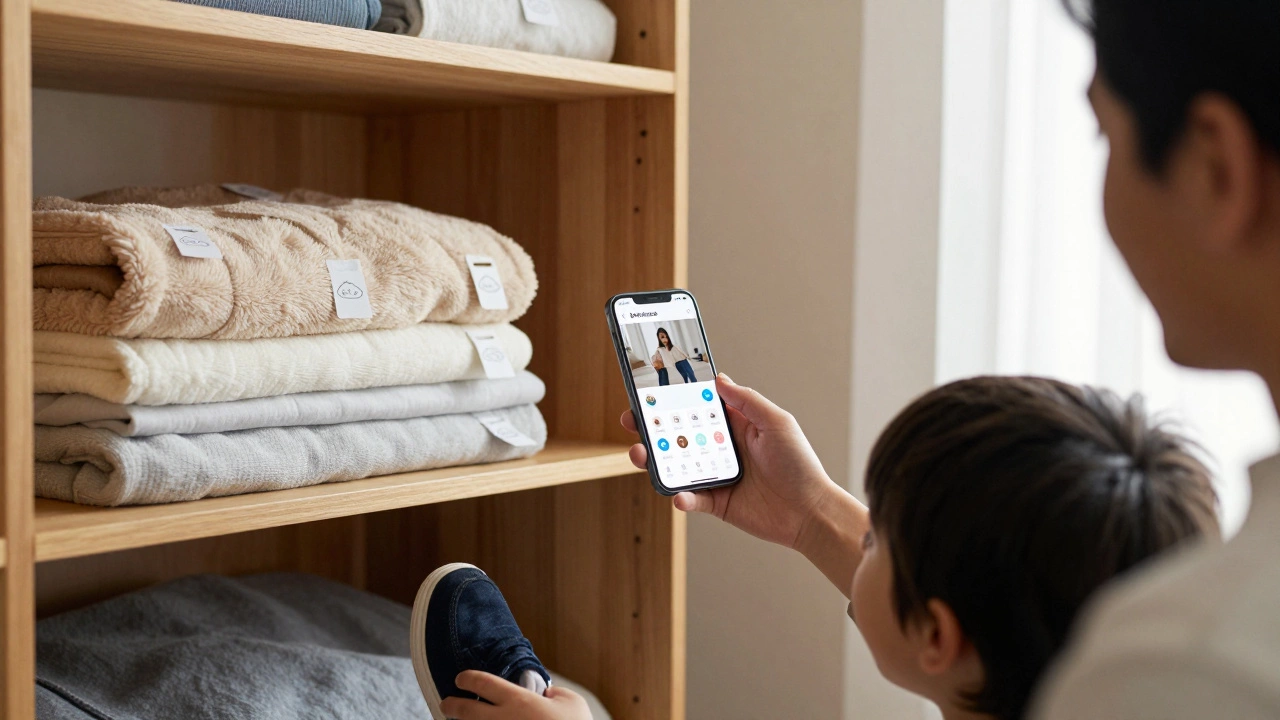
Paper checklists fade. Sticky notes peel off. Your phone’s Notes app fills up with random grocery lists and half-finished ideas. Digital tools change that. They send reminders, sync across devices, track progress, and even adapt as your space changes. A 2025 survey of 12,000 users found that people who used home organization apps stayed consistent with cleaning routines 68% longer than those using paper systems. Why? Because apps turn chores into habits, not tasks you forget.Take the Sortly app. It lets you take photos of each room, label shelves, and tag items. Need to find your winter blankets? Open the app, tap your bedroom, and see a photo of the closet with a label: Blankets - Top Shelf, Left Side. No more digging. No more buying duplicates. It’s like Google Maps for your stuff.
Top 5 apps to organize your house in 2026
Not all apps are built the same. Some are cluttered. Others feel like homework. Here are the five that actually make life easier, based on real user feedback and updated features for 2026:
- Sortly - Best for visual organizers. Snap a photo of your pantry, label each jar, and search by keyword. Works offline. Great for families.
- Home Manager - Built for cleaning schedules. Set weekly, monthly, and seasonal tasks. Gets smarter over time-if you skip vacuuming for three weeks, it nudges you harder.
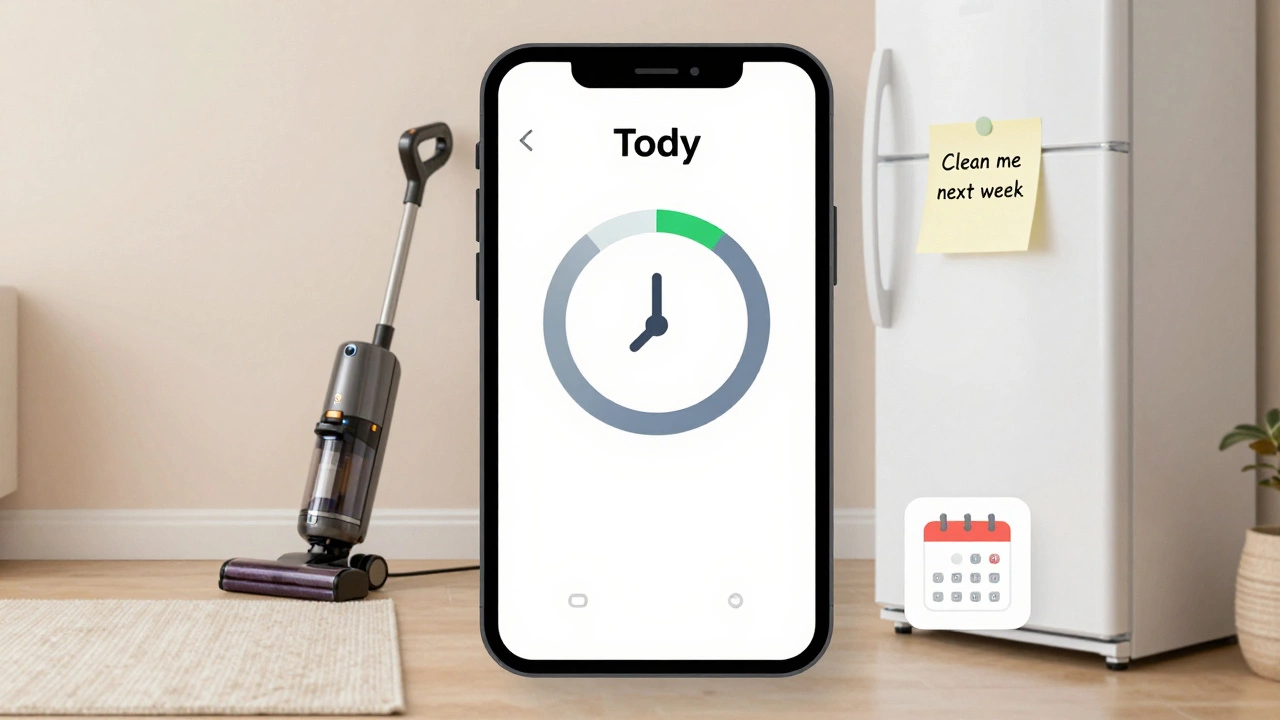
- Tody - Focuses on chores, not clutter. Breaks cleaning into 10-minute chunks. Perfect if you’re short on time or energy. Integrates with Google Calendar.
- Declutter - Designed for emotional hoarders. Asks why you’re holding onto things. Helps you decide: keep, donate, toss. Includes a donation tracker.
- Google Keep + Custom Labels - Free and simple. Use color-coded notes: blue for laundry, green for repairs, red for urgent. Add voice memos like, “Find the screwdriver near the toolbox.”
What to look for in a home organization app
Not every app needs to be fancy. But there are three features that separate the useful from the forgettable:
- Photo tagging - If you can’t remember where you put something, a photo helps more than a text description.
- Push reminders - A notification saying, “Time to clean the fridge,” beats a list you never open.
- Offline access - What if your Wi-Fi dies? Apps that work without internet save your sanity during power outages or travel.
Also avoid apps that force you into rigid systems. Your kitchen doesn’t need to look like a Pinterest board. It needs to work for you. The best apps let you customize-whether you’re a minimalist or someone who loves labeled bins.
Real results: How one family cleared 4 years of clutter
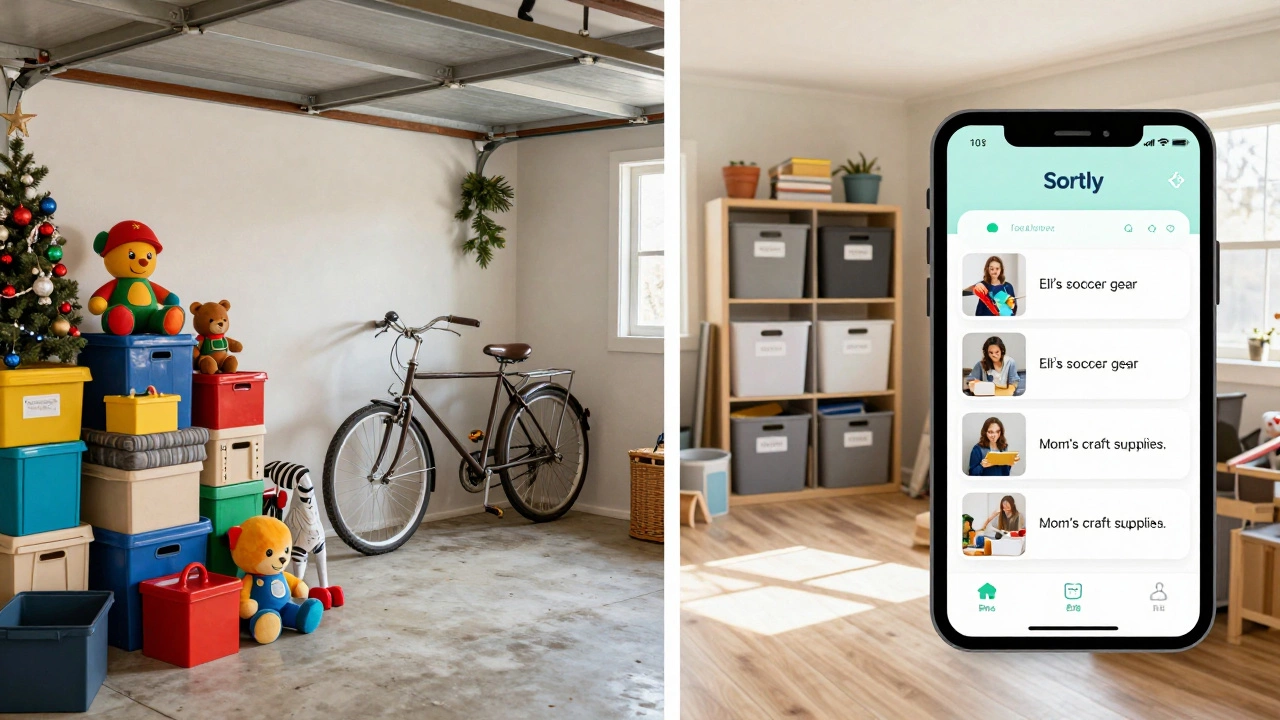
In Durban, the Mokoena family started with a garage full of broken toys, old holiday decorations, and a bicycle that hadn’t been ridden since 2021. They tried cleaning for weeks. Nothing stuck. Then they downloaded Sortly.
They took photos of every shelf, labeled everything with names (“Eli’s old soccer gear,” “Mom’s craft supplies”), and set weekly 15-minute cleanup alerts. Within three months, they donated 17 boxes. The garage became a storage space, not a museum of forgotten things. Their 8-year-old now uses the app to find his shoes. No more yelling.
It wasn’t magic. It was consistency. And the app made it easy to stay consistent.
Don’t overcomplicate it
You don’t need to organize your whole house in one weekend. Start with one drawer. One shelf. One closet. Pick one app. Spend 10 minutes today. Take a photo. Label it. Set one reminder for next week.
Apps won’t fix clutter overnight. But they’ll help you build a rhythm. You’ll stop dreading cleaning. You’ll start finding things fast. And slowly, your home will feel less like a mess and more like a place you love.
What about free apps?
Yes, free options work. Google Keep, Apple Notes, or even a simple spreadsheet can help. But they lack the automation. No smart reminders. No photo tagging. No progress tracking. You’re still doing all the work yourself.
Free apps are fine if you’re just starting. But if you’ve tried and failed before, investing $3-$5/month in a dedicated tool makes a real difference. Think of it like buying a good vacuum-you don’t need the most expensive one, but you need one that actually picks up dirt.
What if I hate technology?
That’s okay. You don’t need an app to organize your house. But if you’ve tried paper and it didn’t stick, maybe it’s not about the method-it’s about the system. Apps work because they’re designed to be frictionless: reminders, photos, progress bars, and gentle nudges.
Try this: Use your phone’s camera. Take a picture of your closet. Send it to yourself via text. Write a note: “Toss hats I haven’t worn in 2 years.” That’s your low-tech app. You’re still using technology-but on your terms.
Can an app really help me declutter if I’m overwhelmed?
Yes. Apps like Declutter and Tody are built for people who feel stuck. They break tasks into tiny steps-just 5 minutes a day. You don’t have to fix everything at once. The app reminds you, tracks what you’ve done, and celebrates small wins. Over time, that builds momentum. You’ll be surprised how much you can clear when you’re not trying to do it all at once.
Do these apps work on Android and iPhone?
All five recommended apps work on both Android and iPhone. They sync across devices, so you can start organizing on your phone at work and finish on your tablet at home. Some even offer web versions for desktop use.
Are these apps safe for my personal data?
Reputable apps use encryption and don’t sell your data. Sortly, Home Manager, and Tody all state clearly in their privacy policies that your photos and lists stay private. Avoid apps that ask for unnecessary permissions like location or contacts. Stick to ones with clear, transparent privacy pages.
What’s the cheapest way to start?
Start with Google Keep or Apple Notes. They’re free and let you create lists with photos. Then, if you find yourself using it regularly, upgrade to a paid app like Sortly ($3.99/month) or Tody ($4.99/month). You can cancel anytime. No long-term commitment.
Can I use these apps for organizing my entire home, not just one room?
Absolutely. Apps like Sortly and Home Manager let you create multiple home profiles: kitchen, garage, office, even your car. You can switch between them easily. Start with one room, then add others as you get comfortable. You don’t need to do it all at once.
Next steps: Pick one, start small
Don’t wait for the perfect app. Don’t wait for Monday. Open your phone right now. Go to your app store. Download one of the apps listed above. Spend 10 minutes taking a photo of your most cluttered space. Label one shelf. Set one reminder. That’s it.
Tomorrow, do the same. In a week, you’ll have cleared something you didn’t even realize was bothering you. And that’s how real change starts-not with a complete overhaul, but with one small, smart step.